When the cpap humidifier not working complaint appears, the cause is almost always one of four things: incorrect cpap humidifier settings, a sealed chamber vent, a malfunctioning heating plate, or a room temperature that exceeds the machine’s ability to add moisture to the airstream. The best humidity level for cpap machine users is typically 3–5 on a scale of 1–8, but that baseline shifts with seasonal changes—drier winters often need 5–7, while humid summers may require 2–3. If cpap air too warm is the complaint rather than too dry, the humidifier is likely set too high or the ambient room temperature is above 75°F. A cpap humidifier not using water after a full night is a diagnostic signal: the heating plate is either not activating or the water intake path is blocked.
Step-by-Step Troubleshooting
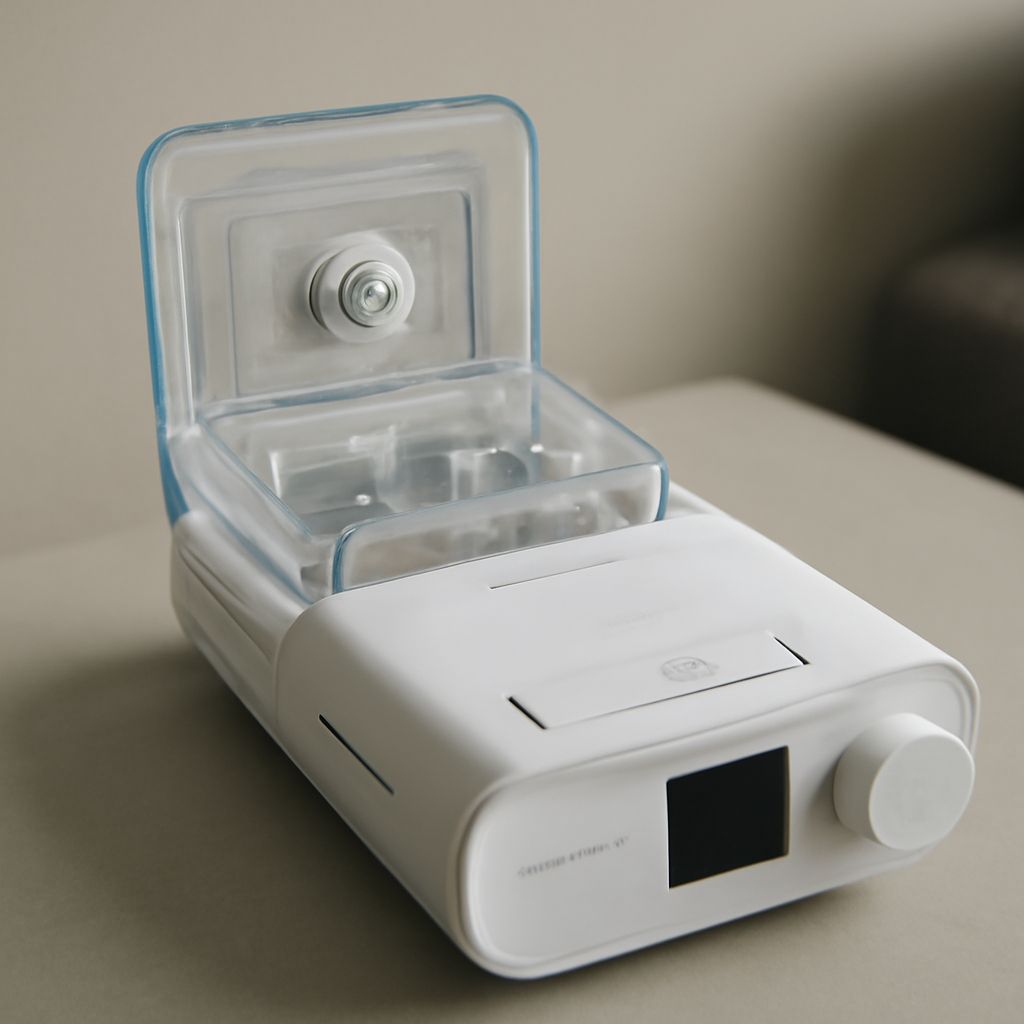
Start by confirming the humidifier is fully seated. Most machines use a click-lock or slide-lock connection between the water chamber and the main unit. A chamber that is 2–3mm out of alignment will not activate the heating element even if it appears visually correct. Remove it completely, inspect the port for debris, and reseat until the audible click or positive stop is felt.
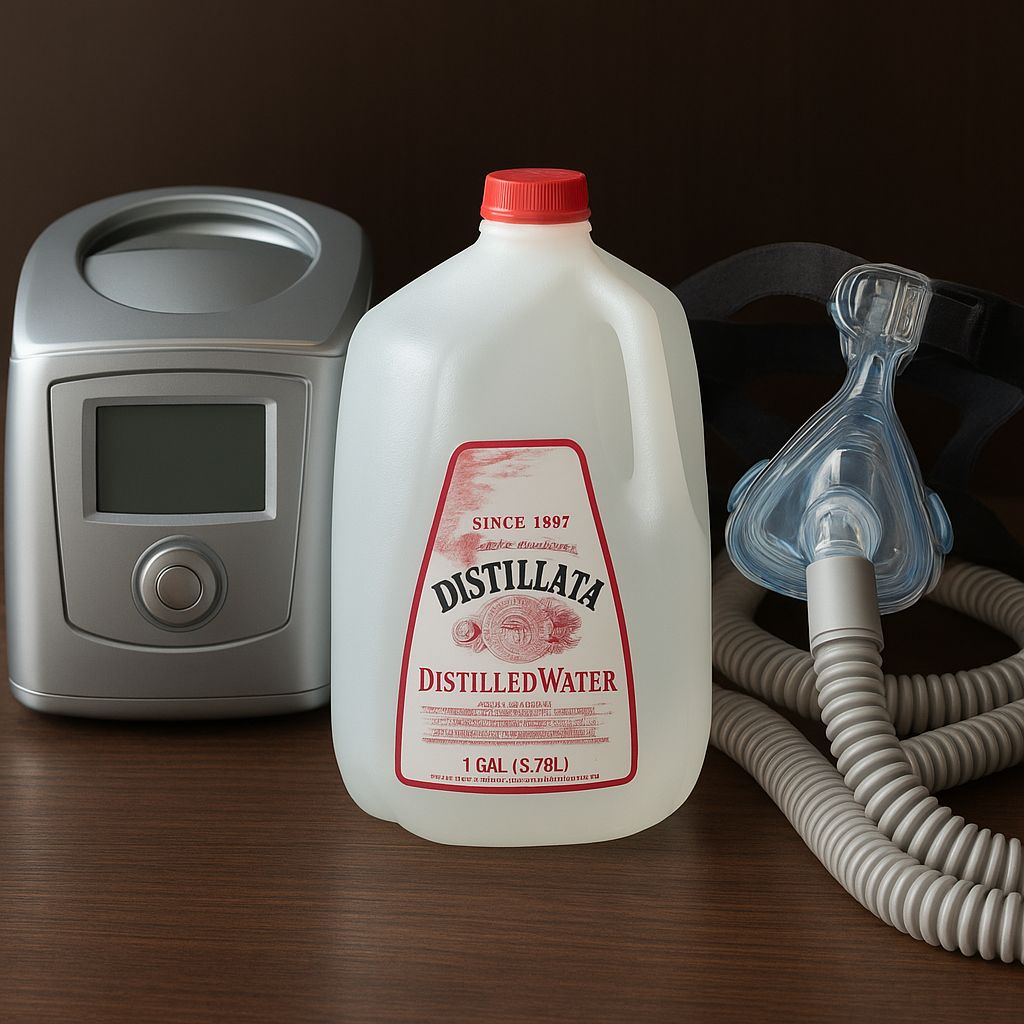
Check the water level. The chamber should be filled to the MAX line—not above it—using distilled water only. Tap water leaves mineral deposits on the heating plate within 4–6 weeks, reducing heat transfer efficiency by up to 30%. A white or gray crust on the plate surface is visible confirmation of mineral buildup. Soak the chamber in a 1:3 white vinegar and water solution for 30 minutes, then rinse thoroughly before reuse.
Inspect the heated tube connection if the machine uses one. The small electrical contacts at the hose-machine junction oxidize over time, especially in humid environments. Wipe the contacts with a dry cotton swab and reconnect. If the heated hose is older than 18 months, the internal resistance wire may have degraded, which reduces heating capacity even when all settings appear correct.
Adjust the humidifier setting upward by 1 increment and run a test night. If the water level drops by at least 50% overnight, the humidifier is working; the original setting was simply too low for current conditions. If the water level shows no change, the heating plate or temperature sensor is likely defective and the unit requires service or replacement.
For complaints that cpap air too warm is disrupting sleep, reduce the humidity setting by 1–2 increments before adjusting room temperature. If the machine uses a heated tube, lower the tube temperature setting first—this reduces condensation without reducing humidification. A heated tube setting of 79°F produces comfortable air at most room temperatures without triggering rainout in the hose.
Verify room temperature as a variable. CPAP humidifiers are calibrated assuming ambient temperatures of 65–72°F. Rooms warmer than 77°F cause the humidifier to work harder and can produce air that feels wet rather than comfortable. Opening a window or running a fan on low near the machine—not blowing directly at it—can drop room temperature enough to normalize the air quality without changing any settings on the device itself.